ut_automata
UT AUTOmata

Infrastructure repository for UT AUTOmata.
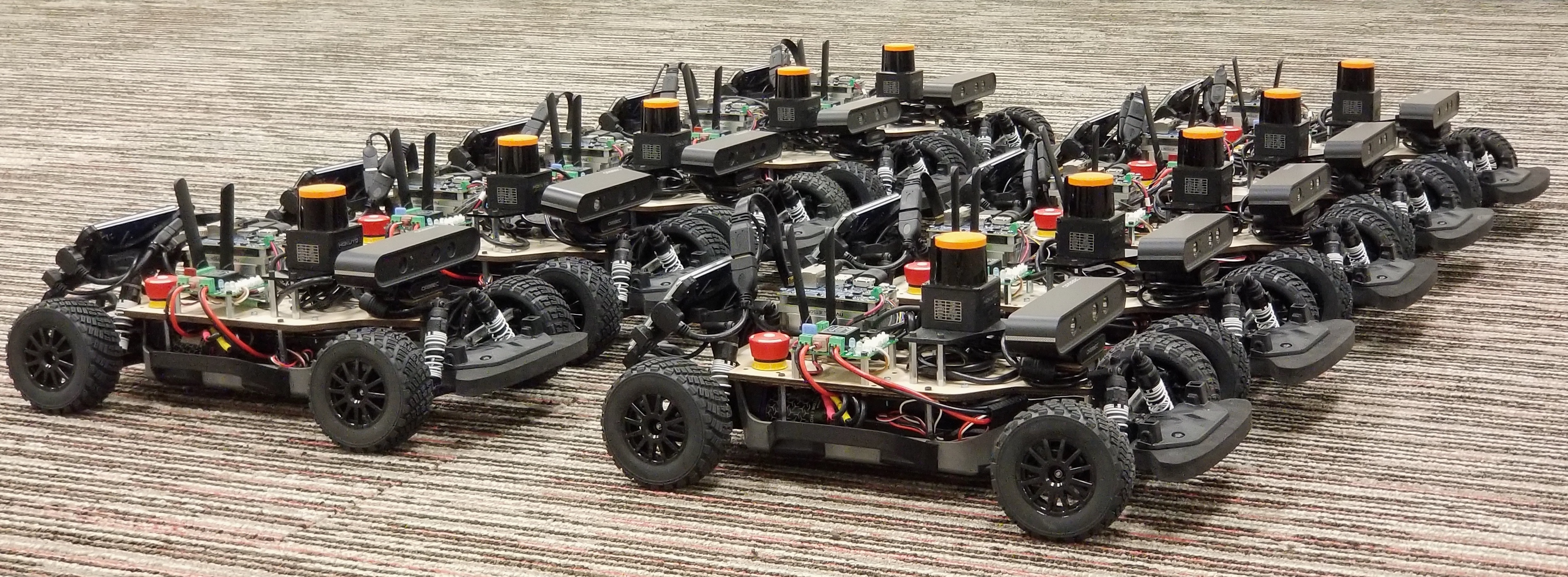
Overview
These instructions target ROS 2 Jazzy on Ubuntu 24.04. The package is built with colcon and depends on the ROS 2 branches of amrl_msgs and amrl_maps.
Workspace Setup
Create a colcon workspace with all three packages:
mkdir -p ~/ut_automata_ws/src
cd ~/ut_automata_ws/src
git clone https://github.com/ut-amrl/ut_automata.git --recurse-submodule
git clone https://github.com/ut-amrl/amrl_msgs.git
git clone https://github.com/ut-amrl/amrl_maps.git
If you cloned without submodules, initialize them later:
cd ~/ut_automata_ws/src/ut_automata
git submodule update --init --recursive
Add the ROS 2 environment to your shell startup:
source /opt/ros/jazzy/setup.bash
source ~/ut_automata_ws/install/setup.bash
Dependencies
Install package dependencies:
cd ~/ut_automata_ws/src/ut_automata
./install_dependencies.sh
Build
Build the workspace:
cd ~/ut_automata_ws
source /opt/ros/jazzy/setup.bash
colcon build --symlink-install
source install/setup.bash
If you keep ut_automata, amrl_msgs, and amrl_maps as sibling directories (for example under ~/projects), run the scoped build from that parent directory:
cd ~/projects
source /opt/ros/jazzy/setup.bash
colcon build --base-paths ut_automata amrl_msgs amrl_maps --packages-up-to ut_automata --cmake-args -DCMAKE_BUILD_TYPE=Release -DPython3_EXECUTABLE=/usr/bin/python3
From inside the ut_automata directory, use relative sibling paths instead:
source /opt/ros/jazzy/setup.bash
colcon build --base-paths . ../amrl_msgs ../amrl_maps --packages-up-to ut_automata --cmake-args -DCMAKE_BUILD_TYPE=Release -DPython3_EXECUTABLE=/usr/bin/python3
The repository also keeps a convenience Makefile:
make -j
Simulation
Launch the simulator and websocket bridge:
ros2 launch ut_automata simulator.launch.py
To publish ground-truth localization:
ros2 launch ut_automata simulator.launch.py localize:=true
You can also run individual nodes:
ros2 run ut_automata simulator
ros2 run ut_automata websocket
Open web_rviz.html in a browser and connect to the IP address of the computer running websocket.
Real Car
Start the full car stack:
ros2 launch ut_automata start_car.launch.py
Run individual nodes when needed:
ros2 run ut_automata joystick
ros2 run ut_automata vesc_driver --config_dir ~/ut_automata_ws/src/ut_automata/config
DISPLAY=:0 ros2 run ut_automata gui
ros2 launch ut_automata hokuyo_10lx.launch.py
Optional camera support depends on the ROS 2 camera driver installed on the car.
Autostart
The systemd service and desktop launcher under scripts/ expect the workspace install space at ~/ut_automata_ws/install and source /opt/ros/jazzy/setup.bash.
Install the service:
sudo ln -s ~/ut_automata_ws/src/ut_automata/scripts/ut_automata.service /etc/systemd/system/ut_automata.service
sudo systemctl enable ut_automata
sudo systemctl start ut_automata
Check status:
systemctl status ut_automata
Motion Limits
The car’s motion profile is limited by the top speed, acceleration, deceleration, and VESC motor counts per second. The relevant settings are in config/vesc.lua:
erpm_speed_limit = 22000;
max_acceleration = 6.0; -- m/s^2
max_deceleration = 6.0; -- m/s^2